
How to Turn Off Profile Views on TikTok
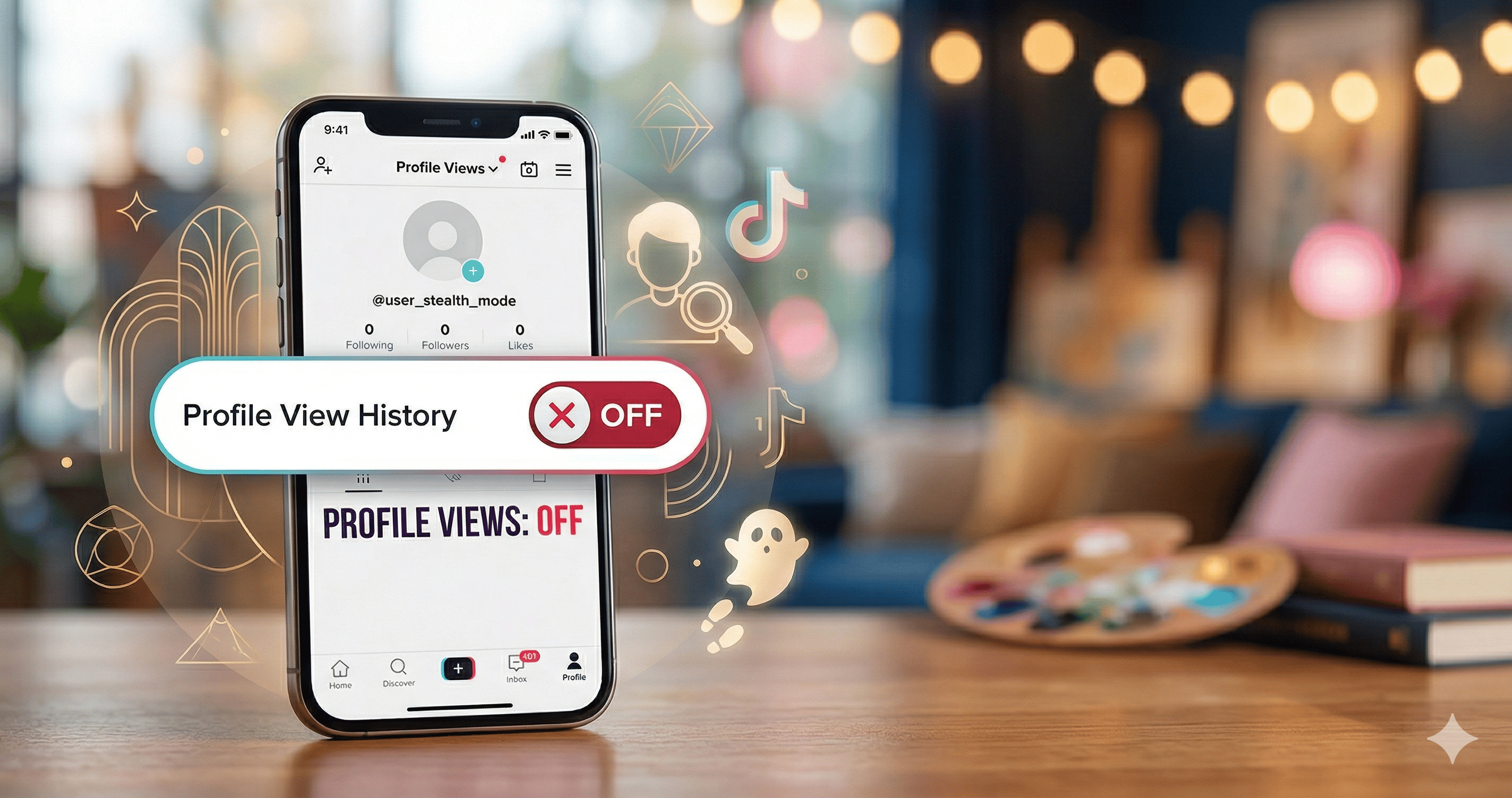
TikTok is all about sharing, but sometimes you want to browse in "stealth mode" without leaving a digital footprint. If you've been wondering how to turn off profile views on TikTok, you aren't alone. Thousands of users prefer to keep their curiosity private.
In this guide, we'll show you exactly how to disable this feature so you can visit profiles without the other person knowing.
Why Turn Off Profile Viewing on TikTok?
The "Profile View History" feature is a two-way street. If it's on, you can see who viewed your profile in the last 30 days—but only if they also have the feature turned on. Many users choose to turn profile viewing off because:
- Privacy: You want to check out a creator's content without feeling like a "stalker."
- Professionalism: You're researching competitors and don't want them to see your handle.
- Simplicity: You find the notifications distracting.
How to Turn Off Profile Views on TikTok (2 Easy Methods)
Whether you call it "profile views" or "profile viewing," the process to disable it is the same. Here are the two quickest ways to do it.
Method 1: Via the Profile View Page
- Open your TikTok app and tap the Profile icon at the bottom right.
- Next to your username, look for the Footprints icon (or a number/notification) and tap it.
- Tap the Settings (gear) icon in the top right corner.
- Toggle the switch for Profile view history to Off.
Method 2: Via Privacy Settings
If you can't find the footprint icon, follow these steps:
- Go to your Profile and tap the three-line menu (≡) in the top right.
- Select Settings and Privacy.
- Tap on Privacy.
- Scroll down to the "Safety" section and tap Profile views.
- Toggle Profile view history to Off.
What Happens When You Turn Profile Views Off?
Once you turn profile views off on TikTok, a few things change immediately:
- You become invisible: You will no longer appear in the "Profile Views" list of other users, even if you visit their page multiple times.
- You lose your list: You will no longer be able to see who has viewed *your* profile.
- It's reversible: You can toggle this back on at any time if you decide you want to see your visitors again.
Note: TikTok only stores view history for 30 days. If you had the feature on yesterday but turn it off today, your past views will disappear from others' lists.
Summary of Key Terms
To ensure you've found exactly what you're looking for, here is a quick table of common settings:
| Feature Name | What it does | Should you turn it off? |
|---|---|---|
| Profile View History | Shows who visited your page. | Off for maximum privacy. |
| Post Views | Shows who watched your videos. | Off to browse videos anonymously. |
| Active Status | Shows when you are online. | Off to avoid DMs while browsing. |
Conclusion
Learning how to turn off profile views on TikTok is the best way to regain your privacy on the platform. By following the steps above, you can enjoy the "For You" page and explore new creators without the pressure of being watched back.