
View TikTok Story Anonymously
Watch stories without leaving a footprint. The creator will never know you viewed their content.
Enter a TikTok username or profile URL to view videos, explore photo sets, watch stories, track live KPIs, and download media when available, no login needed!
Watch stories without leaving a footprint. The creator will never know you viewed their content.
Get instant access to live statistics, engagement rates, and top-performing posts for any public account.
Save high-quality TikTok videos and extract trending audio directly to your device with a single click—perfectly safe and secure.
Paste the TikTok username or profile URL into our search bar.https://www.tiktok.com/@yourhandle
We fetch the live data, recent videos, and stories in seconds.
Watch anonymously or download the media directly to your device.
Check consistency, themes, and performance signals before you pitch or partner.
Compare posting cadence and public positioning without juggling multiple tabs.
Use computed KPIs and snapshots for decks, client updates, and weekly reviews.
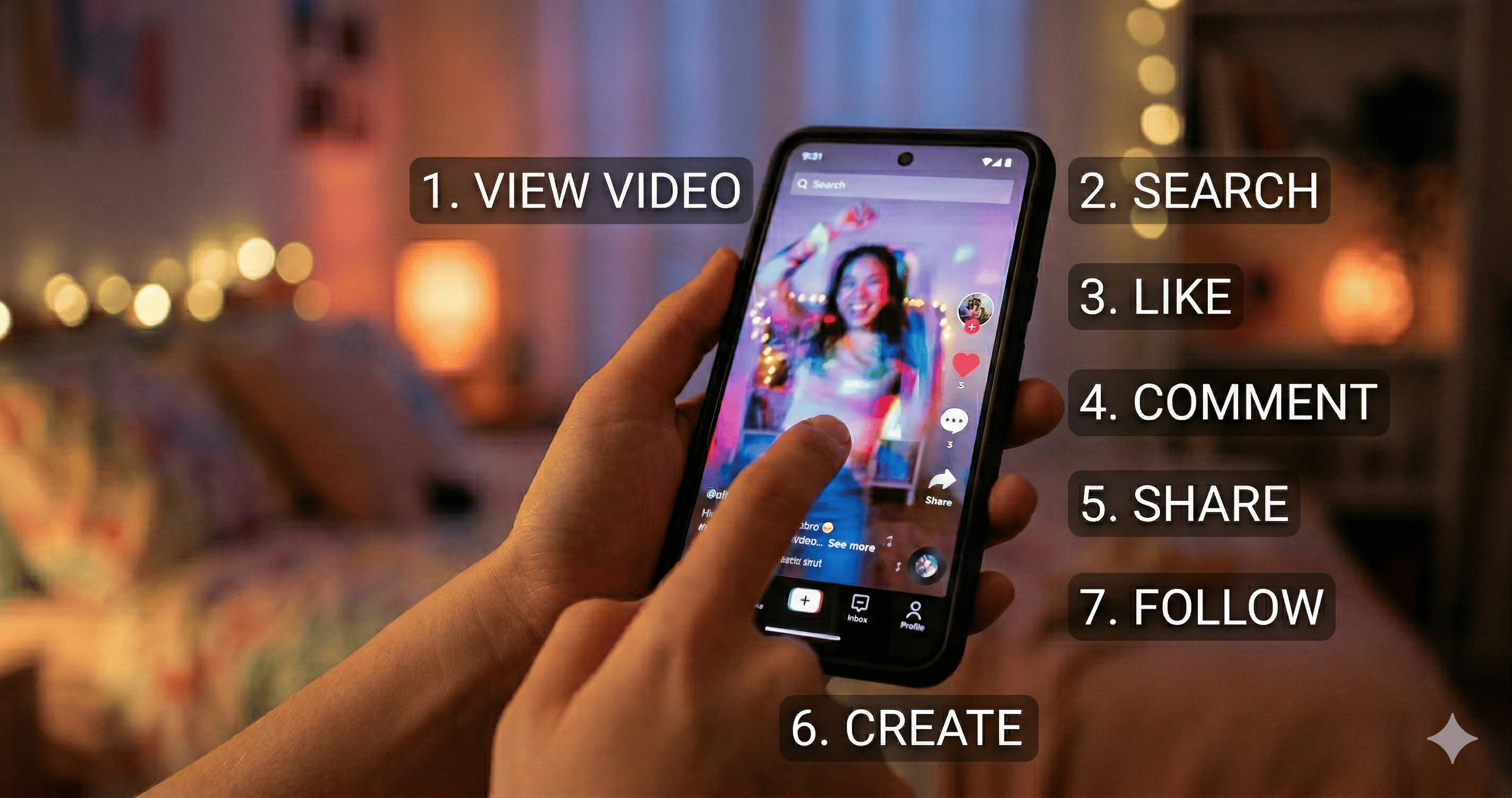
A beginner-friendly guide to setup, navigation, watching, and creating your first TikTok videos.

Learn how TikTok monetization typically works, what affects earnings, and realistic ways to maximize your opportunity.
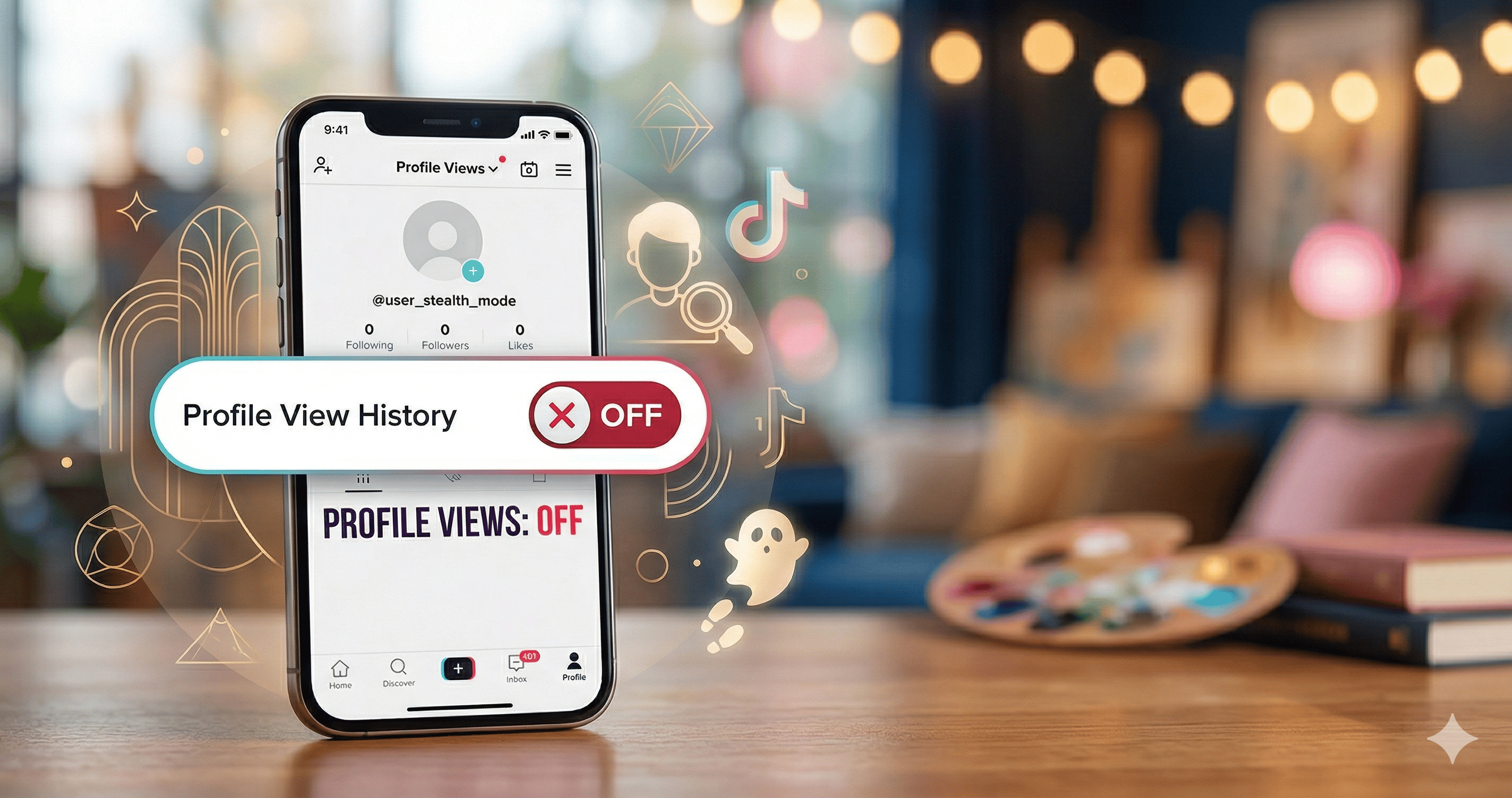
Disable Profile view history from the footprints menu or Privacy settings, and learn what changes when you turn it off.
Learn how to block users in seconds, what changes immediately, and how to find your blocked list to unblock anytime.
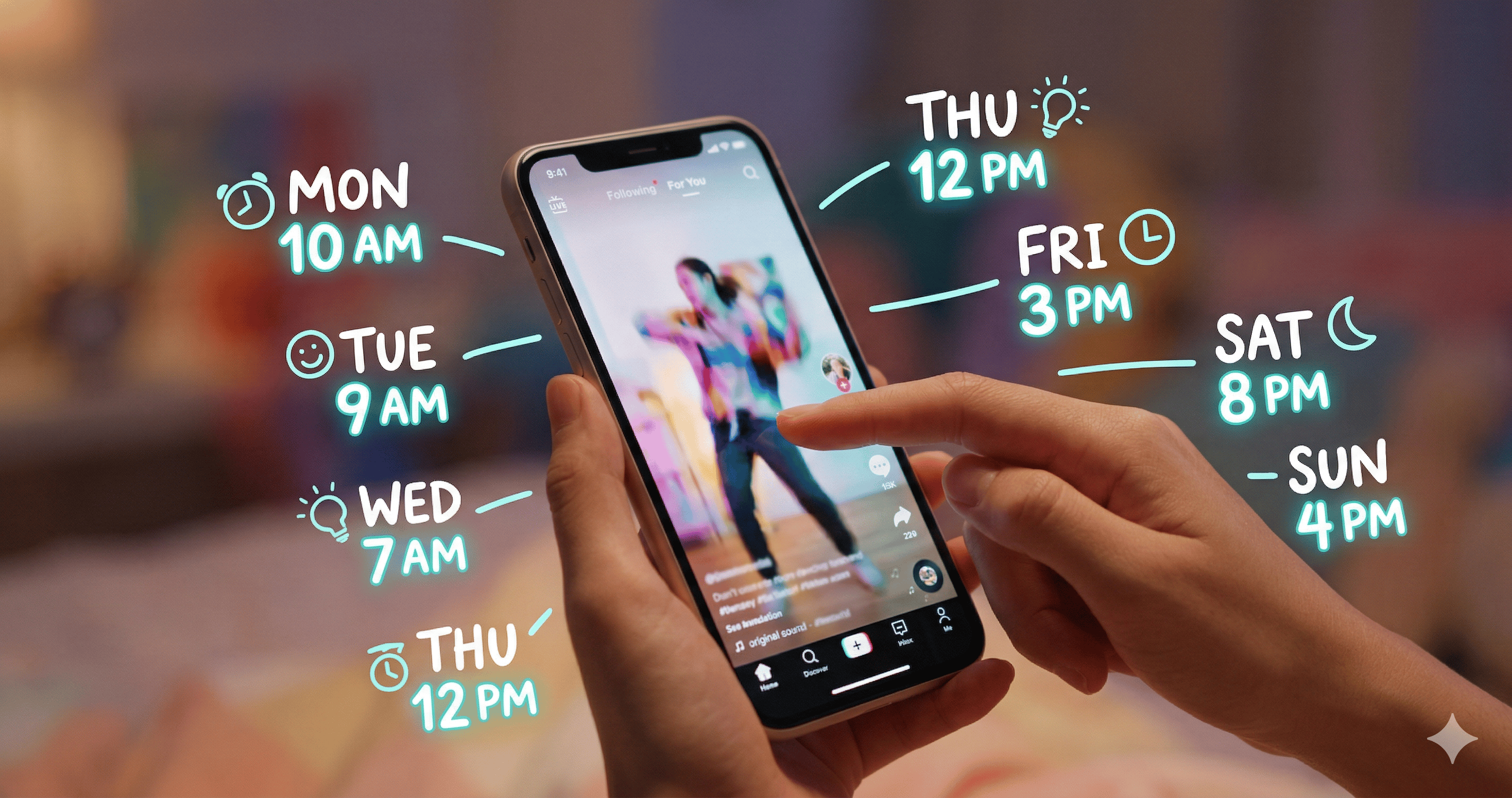
Week-by-week posting windows (EST), how to use Analytics for your audience, and habits that help early reach.
Yes. You use it in the browser without linking your TikTok account. We focus on letting you research profiles and stories with less friction, and we do not ask for your password or OAuth access to your profile.
No. Everything runs online in your browser. Paste a username or profile URL, run the check, and review what the viewer returns—no extra app install is required for basic story viewing workflow.
On supported posts, you can save media directly from the results page. It works on common mobile and desktop browsers; exact options depend on the clip and your device, but many users save both video and separate audio when the download controls are available.
The experience is built around ordinary, browser-based lookups—not you acting from inside their app as yourself—so your personal TikTok identity is not surfaced to them through our flow. Still, treat others’ content respectfully and follow TikTok’s rules and applicable laws.
Story-style content often disappears quickly, so a TikTok story viewer style workflow helps you confirm what’s public at lookup time—usernames, visible posts, and story-style media when exposed—without juggling multiple apps or accounts.
When our tool can resolve a direct media link for a post, you’ll see video download (and sometimes audio) actions next to that item. If a clip is restricted, region-locked, or not exposed to our fetch path, download may not be offered for that specific URL.
What you get is whatever the resolved source provides—which often matches what TikTok serves for that rendition. Some files keep on-screen branding; we don’t strip or re-encode video to remove marks, to keep the pipeline simple and predictable.
Heavy automated use may hit rate limits or verification (for example, bot checks) to keep the service stable. Don’t use downloads to redistribute someone’s work without permission, and avoid scraping at a scale that violates TikTok’s terms or local regulations.
Content shown in TikStory belongs to creators and TikTok. We help you access publicly available pages in line with normal platform access patterns.
Paste a handle above and get instant KPIs, the peak post, and a clean media viewer.
Open the viewerAdvertisement