
How to Use TikTok: The Complete Guide for Beginners
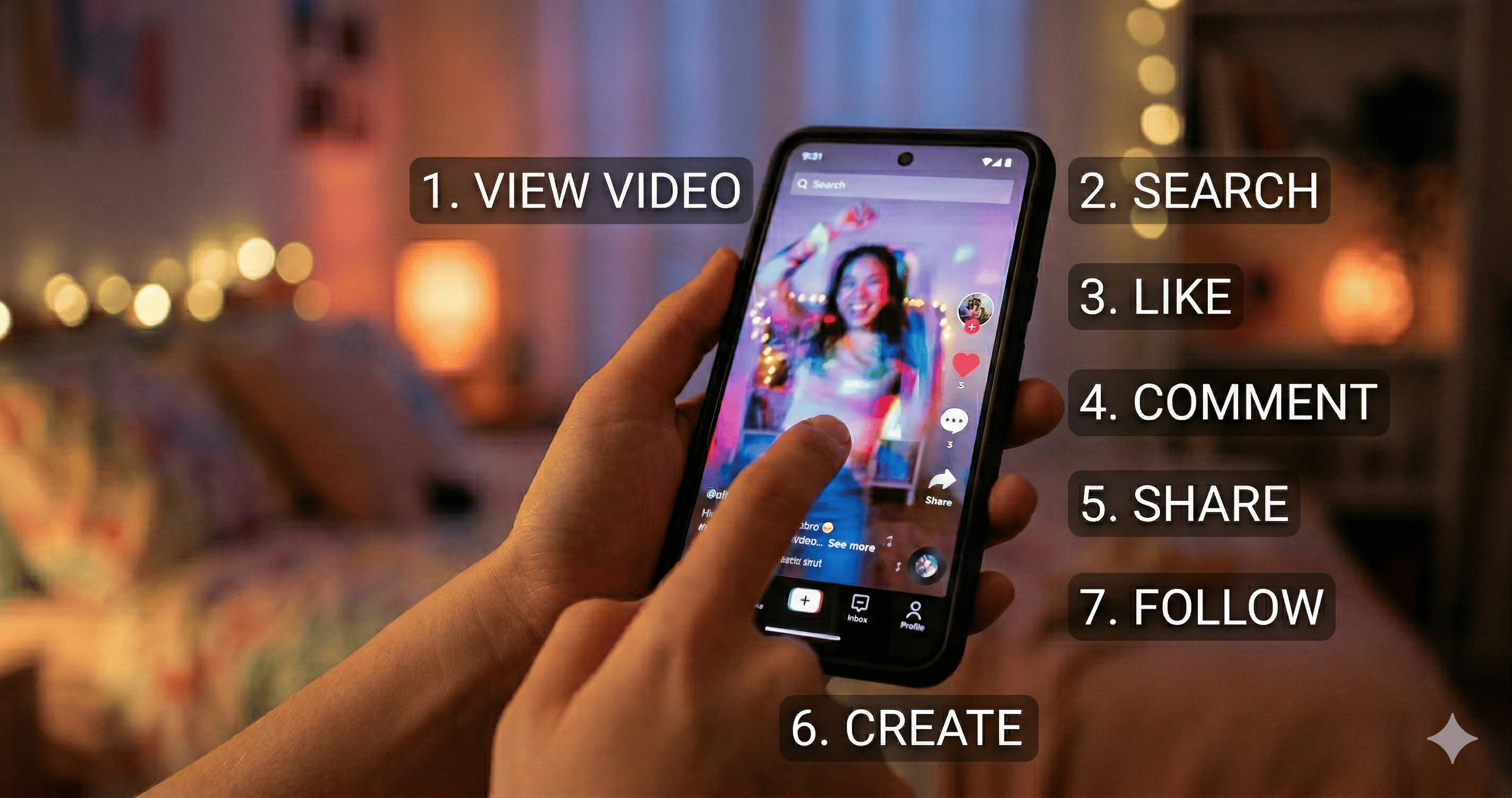
Welcome to TikTok. This guide will help you get started step by step: how to set up your account, understand the interface, watch and interact with videos, and create your first posts.
1) Getting Started with TikTok
Download and install the app
Download TikTok from the App Store (iOS) or Google Play (Android). Search for "TikTok", tap Install, then open the app.
Create your account
Tap Sign up and choose the method you prefer (phone number, email, or social login such as Facebook/Instagram).
Set up your profile
Add a profile photo, write a short bio, and connect social accounts if you want.
2) Understanding TikTok's Interface
Home Feed (For You)
Your Home feed is where most videos appear. TikTok recommends content based on what you watch, like, and follow.
Following Feed
Videos from accounts you follow appear in your Following feed.
Discover and Search
Use Discover to explore hashtags, challenges, and trending topics. Use Search to find accounts and content by keyword.
3) Watching and Interacting
Like, comment, and share
When you see a video you enjoy, you can:
- Tap the heart to like
- Leave a comment to join the conversation
- Share the video to friends or other platforms
Save videos for later
If you want to revisit a video, use the Favorites/Save option (wording may vary by region).
Follow creators
Following creators helps improve your feed and makes it easier to find content you care about.
4) Creating Your First TikTok Video
Recording basics
Tap the "+" (create) button. Choose your camera settings, record a video, and review your clip before posting.
Editing tools
TikTok offers many editing options, including:
- Adding text and captions
- Using stickers and effects
- Choosing music or sound
- Trimming and adjusting timing
Publish successfully
Before you post, check your caption, privacy settings, and hashtags. Then tap Post.
5) Growing Your TikTok Presence
Use trends (responsibly)
Trends can help your content reach new viewers. Try trend formats that match your interests and style.
Post consistently
Regular posting helps you learn what works and keeps your account active.
Engage with your community
Reply to comments, watch your analytics, and adjust based on what audiences respond to.
6) Privacy and Safety Tips
You should be mindful of what you share online. Consider these basics:
- Review who can comment, message, or duet with you
- Use privacy settings that match your comfort level
- Avoid posting sensitive personal information
If something feels wrong or unsafe, adjust settings or report the content.
FAQs
Do I need an account to watch TikTok?
Most content is viewable without an account, but an account is required for actions like following, commenting, and uploading videos.
How long does it take to improve with TikTok?
It depends on consistency and your learning loop. Experiment with content formats and review results over time.
What should beginners focus on first?
Start with your profile, learn the Home feed, interact with creators you like, then publish a few short videos to build momentum.